Service duration and price
How it works
Appointment management for local businesses
Manage one-to-one and resource-based services with service duration, price, staff, availability, customer notes, and booking status.
A barber, salon, clinic, photographer, or technician can publish services and let customers choose an available time without a call. The owner sees the service, worker, customer details, notes, and status in one operational flow.
Best fit
Use this when each customer needs a specific service time, such as a haircut, nail appointment, consultation, clinic visit, grooming appointment, photo session, or technician visit.
Customer workflow
- Open the public business page from Instagram, WhatsApp, Google, marketplace, or a QR code.
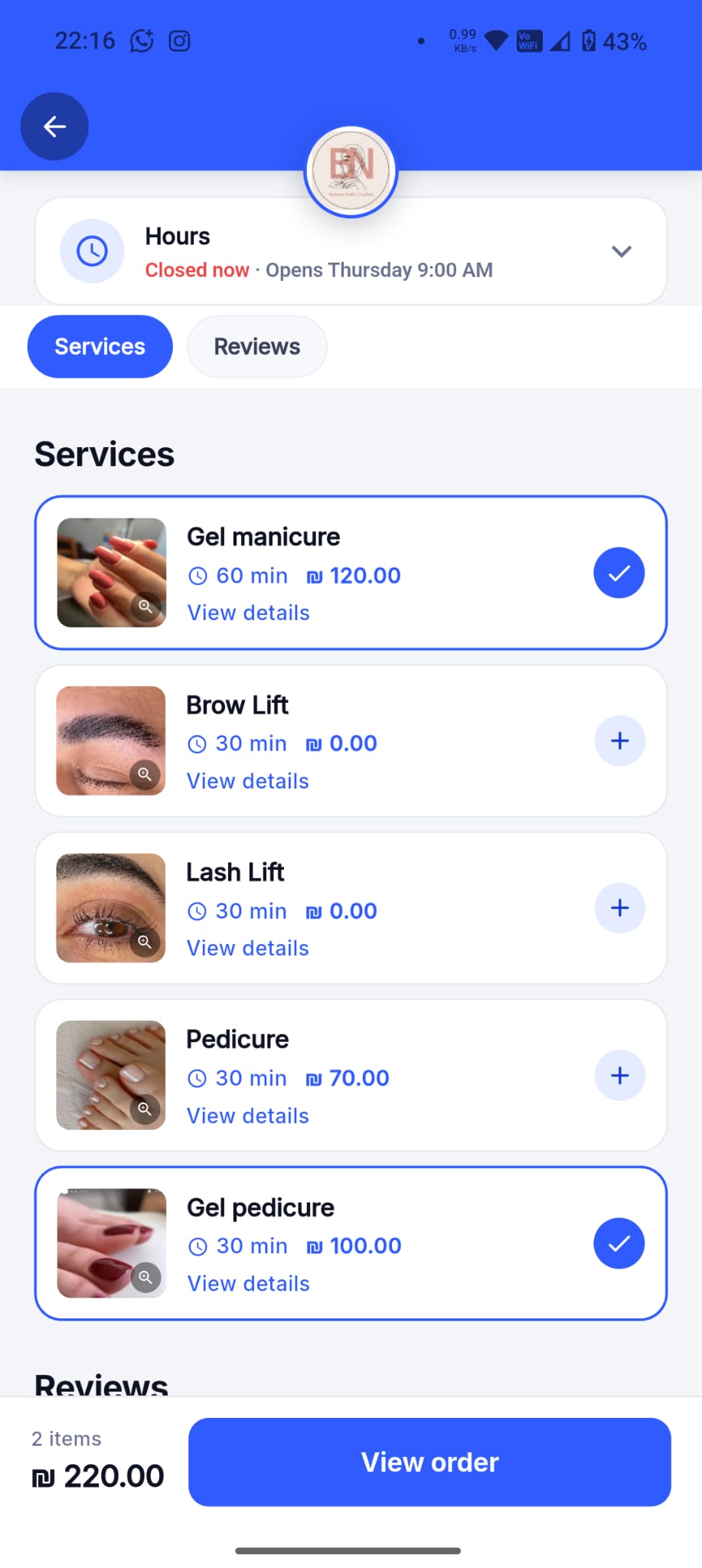
- Choose the service and review duration, price, and available workers when configured.
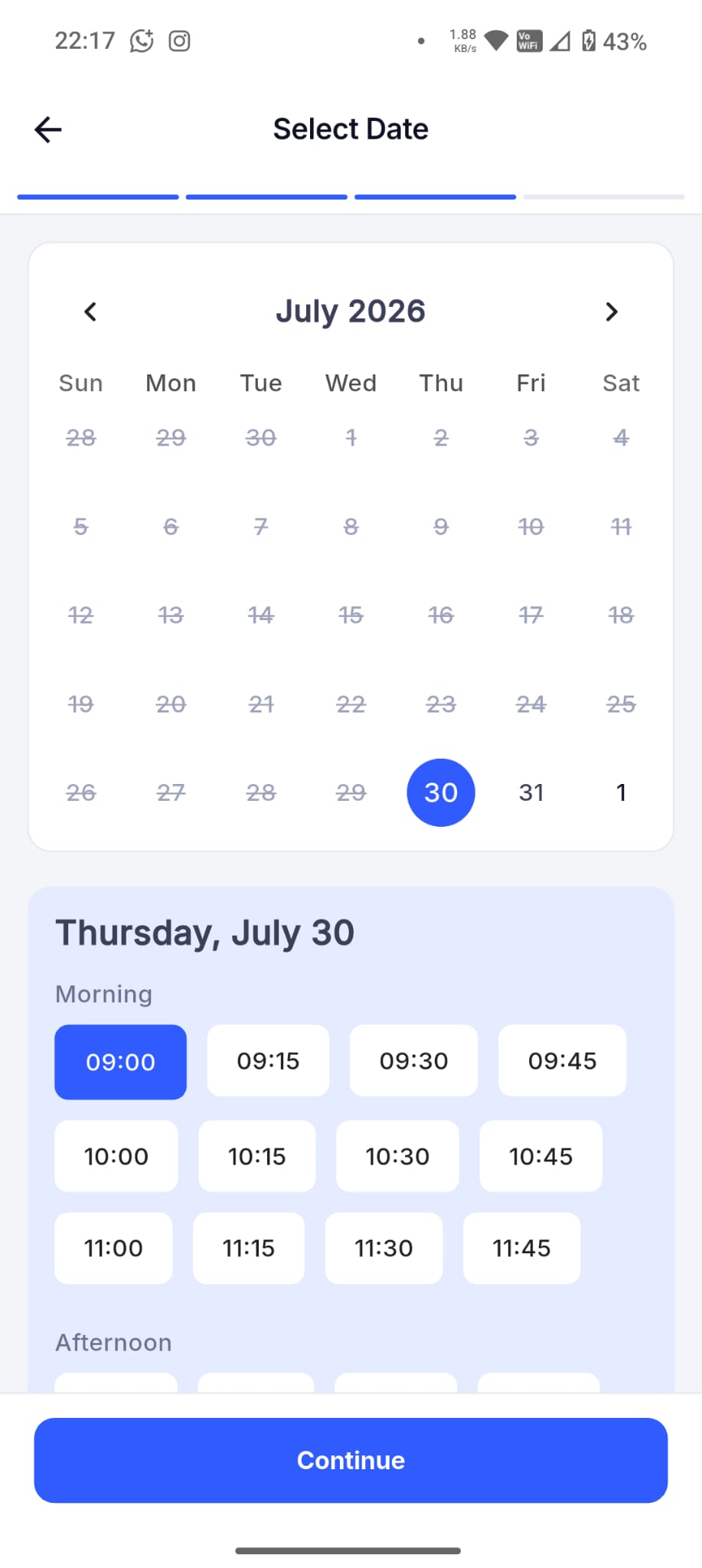
- Pick an available date and time, enter contact details and notes, then receive the booking status.
Business-owner workflow
- Create services with duration and price so availability is calculated consistently.
- Set business hours, worker schedules, breaks, and days off.
- Review appointment status, customer notes, booking history, and dashboard activity from Dorak owner surfaces.
Concrete supported capabilities
Employee or worker selection when configured
Availability checks
Customer self-booking on Pro
Business calendar
Customer notes
Status tracking
Reminders and waitlist support where enabled
Who uses it
- Barbers
- Hair salons
- Nail artists
- Clinics
- Pet groomers
- Photographers
- Technicians
- Consultants
Related industries
Barbers
Let customers choose a service, worker, date, and available time without interrupting a haircut.
Dorak Appointments for BarbersHair salons
Publish services with durations, prices, workers, and availability so customers can self-book salon appointments.
Dorak Appointments for Hair salonsNail and lash salons
Show service choices, appointment length, price, and available slots from one public salon page.
Dorak Appointments for Nail and lash salonsPhotographers and event services
Present services, packages, images, and available dates through one shareable business page.
Dorak Appointments for Photographers and event servicesMakeup artists
Let customers request makeup services, choose available dates, and share event notes through one public booking link.
Dorak Appointments for Makeup artistsSpas and wellness providers
Publish services, treatment lengths, staff availability, and opening hours so customers can reserve a suitable appointment.
Dorak Appointments for Spas and wellness providersRelated features
Related industries
Manage one-to-one and resource-based services with service duration, price, staff, availability, customer notes, and booking status.
Join Dorak free