Customer profile from the Dorak user record when available
How it works
Customer management and history in Dorak Appointments
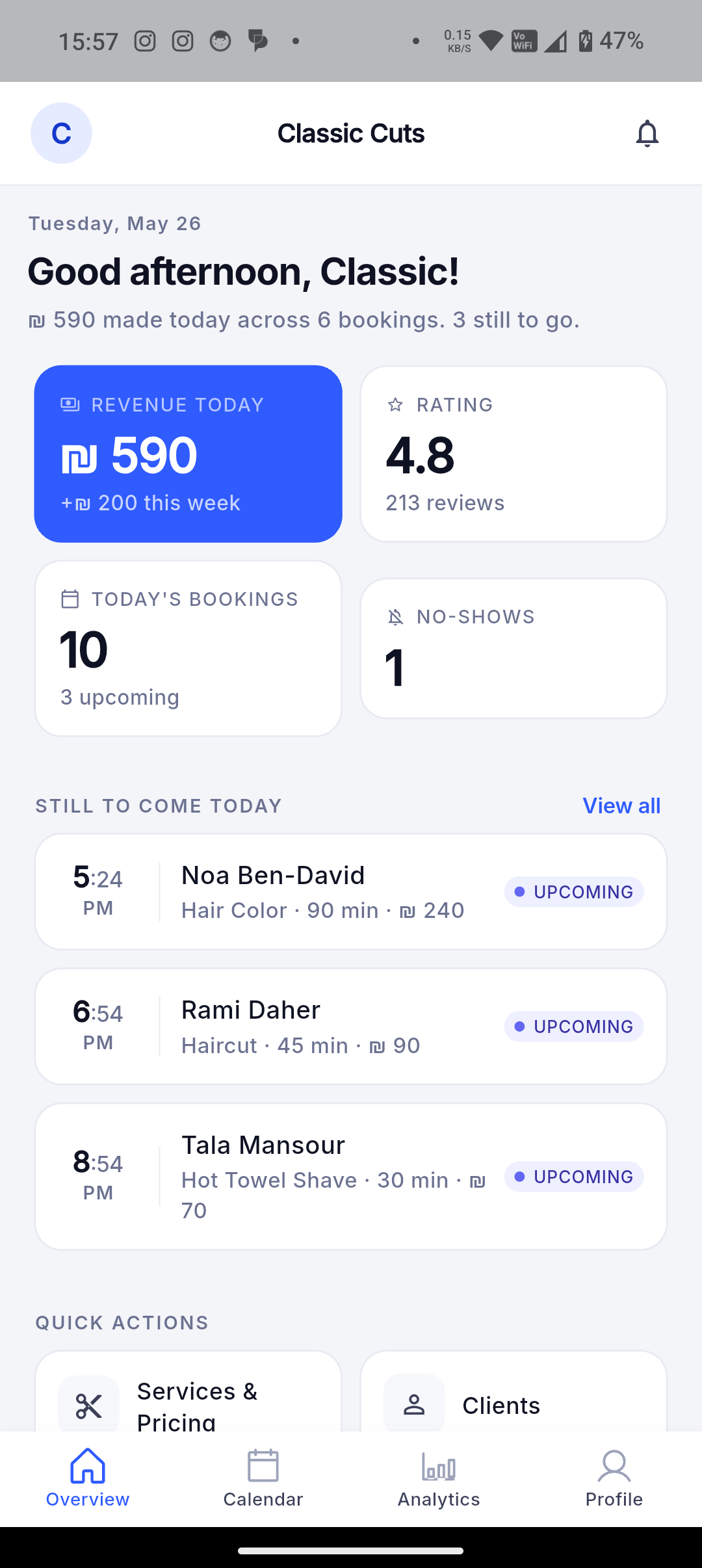
Keep customer profiles, booking history, order history, notes, last visit, total bookings, no-shows, and related activity together.
Dorak connects customer activity across bookings, orders, requests, cancellations, no-shows, notes, and repeat visits so an owner can understand the customer beyond the next slot.
Best fit
Use this when repeat visits, notes, preferences, cancellations, and previous requests matter to how the business serves customers.
Customer workflow
- Customers interact with the business through bookings, reservations, requests, or scheduled orders.
- Their activity becomes part of the business relationship where the owner is authorized to view it.
- Future visits can be handled with more context instead of starting from zero.
Business-owner workflow
- Search customer records and review profile details where available.
- Review booking and order history, notes, last visit, total bookings, and no-show count.
- Use history and notes to support repeat service without turning Dorak into a medical record or regulated CRM claim.
Concrete supported capabilities
Phone and email where available to authorized owners/admins
Booking history and appointment status
Order history for products and scheduled requests
Services booked and products requested through related appointment/order records
Staff-only notes on the store-client record
Last visit
Total bookings
No-show count
Block/unblock state for store-client safety and operations
Search and filtering in owner-facing client surfaces
Who uses it
- Salons
- Barbers
- Clinics
- Pet groomers
- Bakeries
- Gift businesses
- Travel agencies
Related industries
Barbers
Let customers choose a service, worker, date, and available time without interrupting a haircut.
Dorak Appointments for BarbersHair salons
Publish services with durations, prices, workers, and availability so customers can self-book salon appointments.
Dorak Appointments for Hair salonsNail and lash salons
Show service choices, appointment length, price, and available slots from one public salon page.
Dorak Appointments for Nail and lash salonsPhotographers and event services
Present services, packages, images, and available dates through one shareable business page.
Dorak Appointments for Photographers and event servicesMakeup artists
Let customers request makeup services, choose available dates, and share event notes through one public booking link.
Dorak Appointments for Makeup artistsSpas and wellness providers
Publish services, treatment lengths, staff availability, and opening hours so customers can reserve a suitable appointment.
Dorak Appointments for Spas and wellness providersRelated features
Related industries
Keep customer profiles, booking history, order history, notes, last visit, total bookings, no-shows, and related activity together.
Join Dorak free