Customer profile from the Dorak user record when available
How it works
Customer CRM for appointment and request businesses
Keep customer profile details, booking and order history, notes, last visit, total bookings, no-show count, block state, and related activity together where available.
A repeat customer may book appointments, submit product requests, cancel, miss a slot, or leave notes over time. Dorak keeps those operational signals connected so the business sees context before the next interaction.
Best fit
Use this when a business serves repeat customers and needs customer history, notes, no-show context, request history, and block/unblock tools tied to the store-client relationship.
Customer workflow
- Customers interact with the business through bookings, reservations, requests, or scheduled orders.
- Their activity becomes visible to authorized business users where the product records it.
- Future visits can use existing context instead of starting from scattered messages.
Business-owner workflow
- Open the client/customer surface and search or filter customer records.
- Review profile details where available, booking history, order history, services/products requested, notes, last visit, total bookings, and no-show count.
- Block or unblock a customer when needed for store operations and keep staff-only notes separate from customer-facing reads.
Concrete supported capabilities
Phone and email where available to authorized owners/admins
Booking history and appointment status
Order history for products and scheduled requests
Services booked and products requested through related appointment/order records
Staff-only notes on the store-client record
Last visit
Total bookings
No-show count
Block/unblock state for store-client safety and operations
Search and filtering in owner-facing client surfaces
Who uses it
- Customer database
- Client management
- Appointment history
- Order history
- No-show tracking
- Customer blocking
- Staff notes
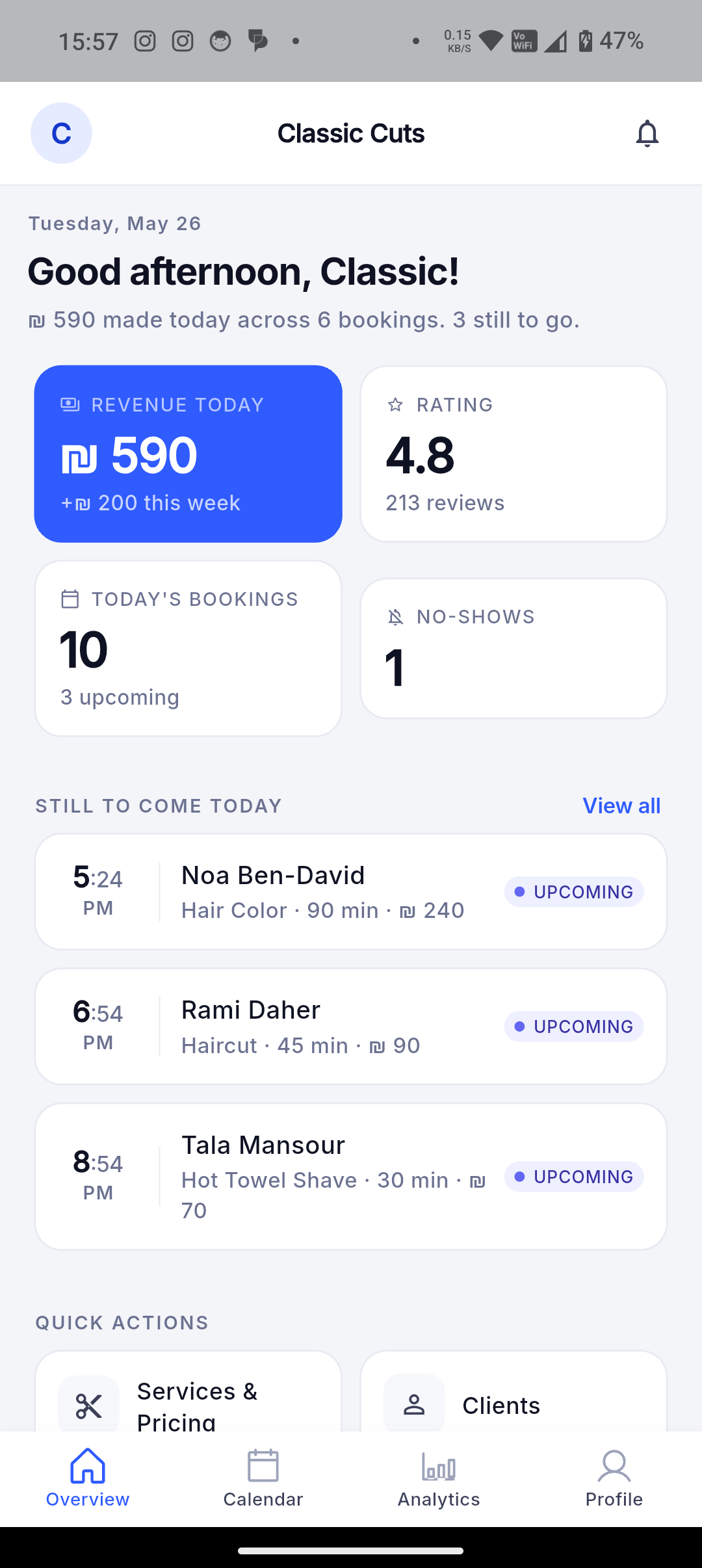
Screenshot still needed: Best screenshot: owner customer/client profile with synthetic or permitted customer data.
Related industries
Related features
Related industries
Keep customer profile details, booking and order history, notes, last visit, total bookings, no-show count, block state, and related activity together where available.
Join Dorak free