Appointment no-show status handling
How it works
No-show management for local businesses
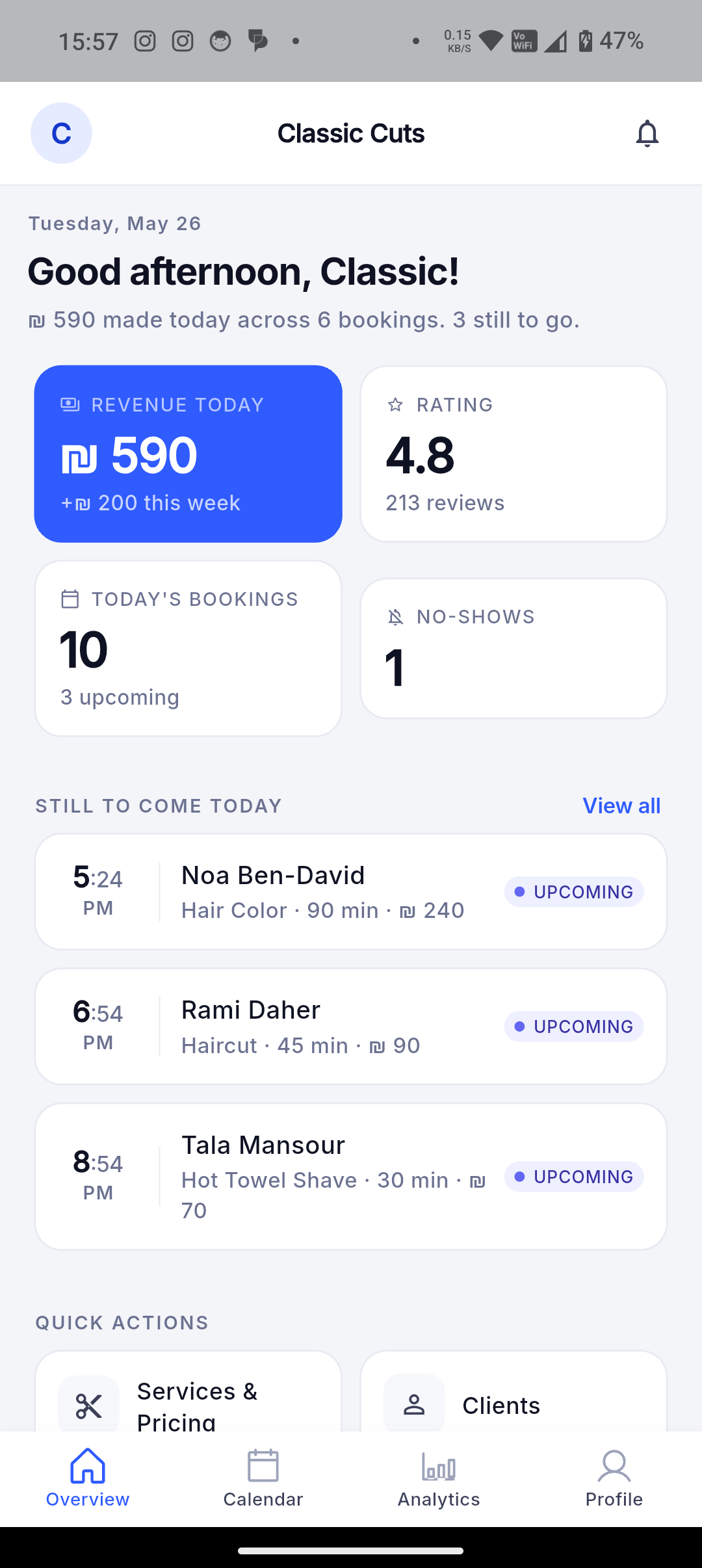
Track no-show states and no-show counts so repeat missed visits remain visible in the customer and analytics context.
A no-show is operationally different from a normal cancellation. Dorak supports no-show status paths and no-show counts so owners can understand customer reliability and business impact without relying on memory.
Best fit
Use this when missed appointments, missed session attendance, repeat no-shows, or customer reliability affect scheduling decisions.
Customer workflow
- A customer books or reserves a supported appointment/session flow.
- If they miss it and the business marks the relevant status, the booking activity updates accordingly.
- Future interactions can still happen according to the business policy and Dorak account state.
Business-owner workflow
- Mark supported appointments or attendees with the appropriate no-show status from owner/admin surfaces.
- Review no-show counts and cancellation/no-show analytics where available.
- Use customer history, reminders, and customer-blocking tools when repeat behavior creates operational problems.
Concrete supported capabilities
Session attendee no-show status handling
No-show count in customer management surfaces
Cancellation and no-show signals in analytics
Customer notes connected to the store-client record
Related reminder flows that may reduce missed visits
Customer blocking/unblocking for store operations where needed
Who uses it
- Barbers
- Hair salons
- Clinics
- Fitness studios
- Workshops
- Care providers
Related industries
Barbers
Let customers choose a service, worker, date, and available time without interrupting a haircut.
Dorak Appointments for BarbersHair salons
Publish services with durations, prices, workers, and availability so customers can self-book salon appointments.
Dorak Appointments for Hair salonsNail and lash salons
Show service choices, appointment length, price, and available slots from one public salon page.
Dorak Appointments for Nail and lash salonsPhotographers and event services
Present services, packages, images, and available dates through one shareable business page.
Dorak Appointments for Photographers and event servicesMakeup artists
Let customers request makeup services, choose available dates, and share event notes through one public booking link.
Dorak Appointments for Makeup artistsSpas and wellness providers
Publish services, treatment lengths, staff availability, and opening hours so customers can reserve a suitable appointment.
Dorak Appointments for Spas and wellness providersRelated features
Related industries
Track no-show states and no-show counts so repeat missed visits remain visible in the customer and analytics context.
Join Dorak free